
Browse documentation
DRIS, AI Visibility
How DRIS measures your company in search and in the answer engines, ranks fixes against the objective you declare, and turns a proposal you approve into a change on your site.
DRIS finds what would make you more visible, and you decide what changes
DRIS is the organic visibility agent. In its own words: "DRIS watches how your company appears in classic search and in the answer engines, audits pages, finds gaps and proposes fixes. It never edits a live page on its own: publishing stays a human decision."
Answer engines are the AI assistants people now ask instead of searching: DRIS's run profiles name ChatGPT, Claude, Gemini, Perplexity and Grok. DRIS asks them the questions your buyers ask and records whether you are mentioned and which sources they cite. Alongside that it reads Google Search Console, audits your pages and watches competitors.
DRIS comes with the Visibility module. If you see DRIS under Visibility in the sidebar, your workspace has it; if not, your plan does not include it. Open it at nagent.ai/admin/dris. The header carries a Beta chip: "the DRIS shell is new, and some seats are still being built."
Finding your way
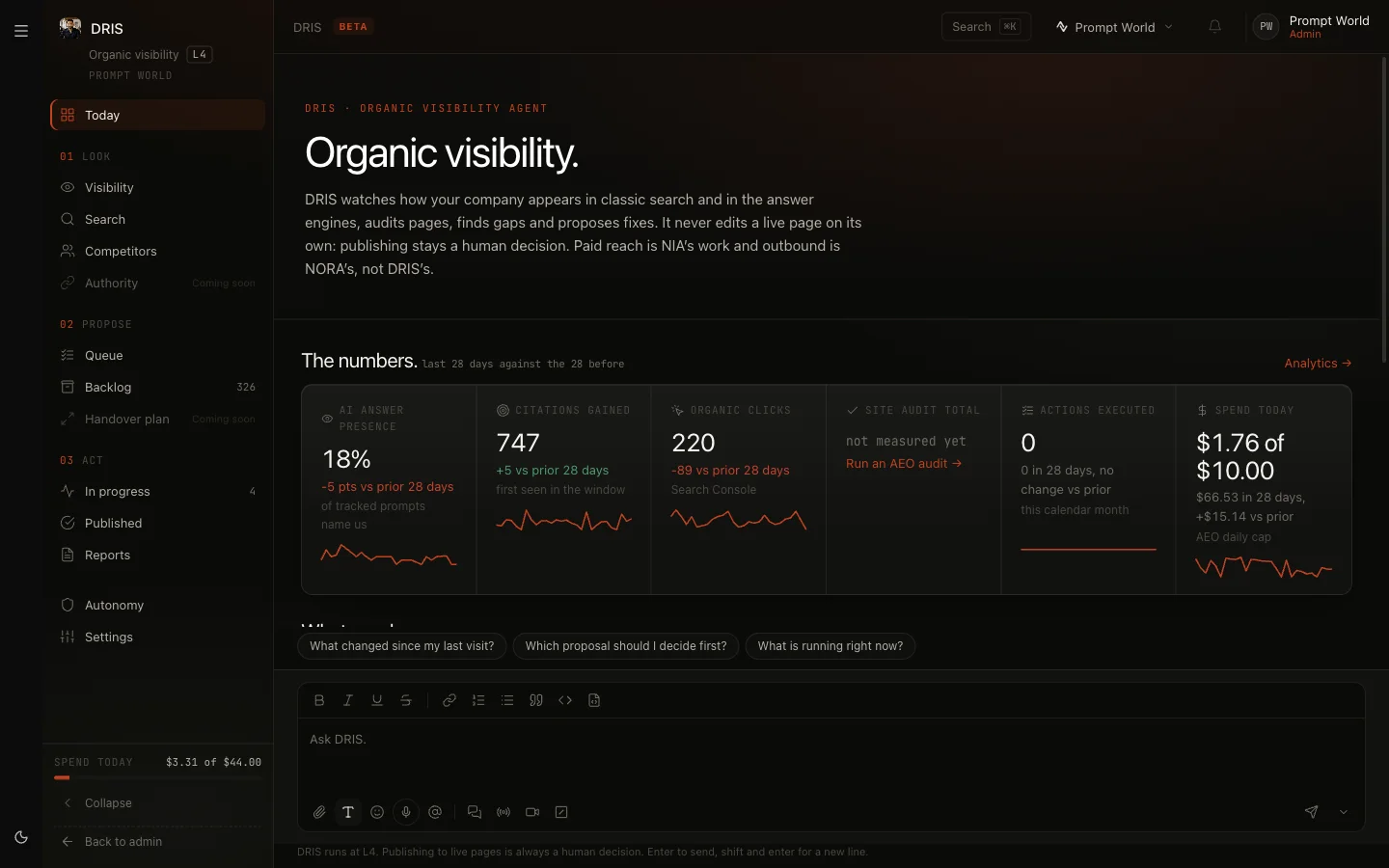
DRIS has its own rail, arranged as the work flows: look, propose, act.
| Rail | Screens |
|---|---|
| Today | What needs you, what changed, what is running |
| 01 Look | Visibility, Search, Competitors, Authority (Coming soon) |
| 02 Propose | Queue, Backlog, Handover plan (Coming soon) |
| 03 Act | In progress, Published, Reports |
| Below | Autonomy, Settings |
The foot of the rail shows Spend today. Every page has an Ask box for questions about what you are looking at.
Before you start: connect your data
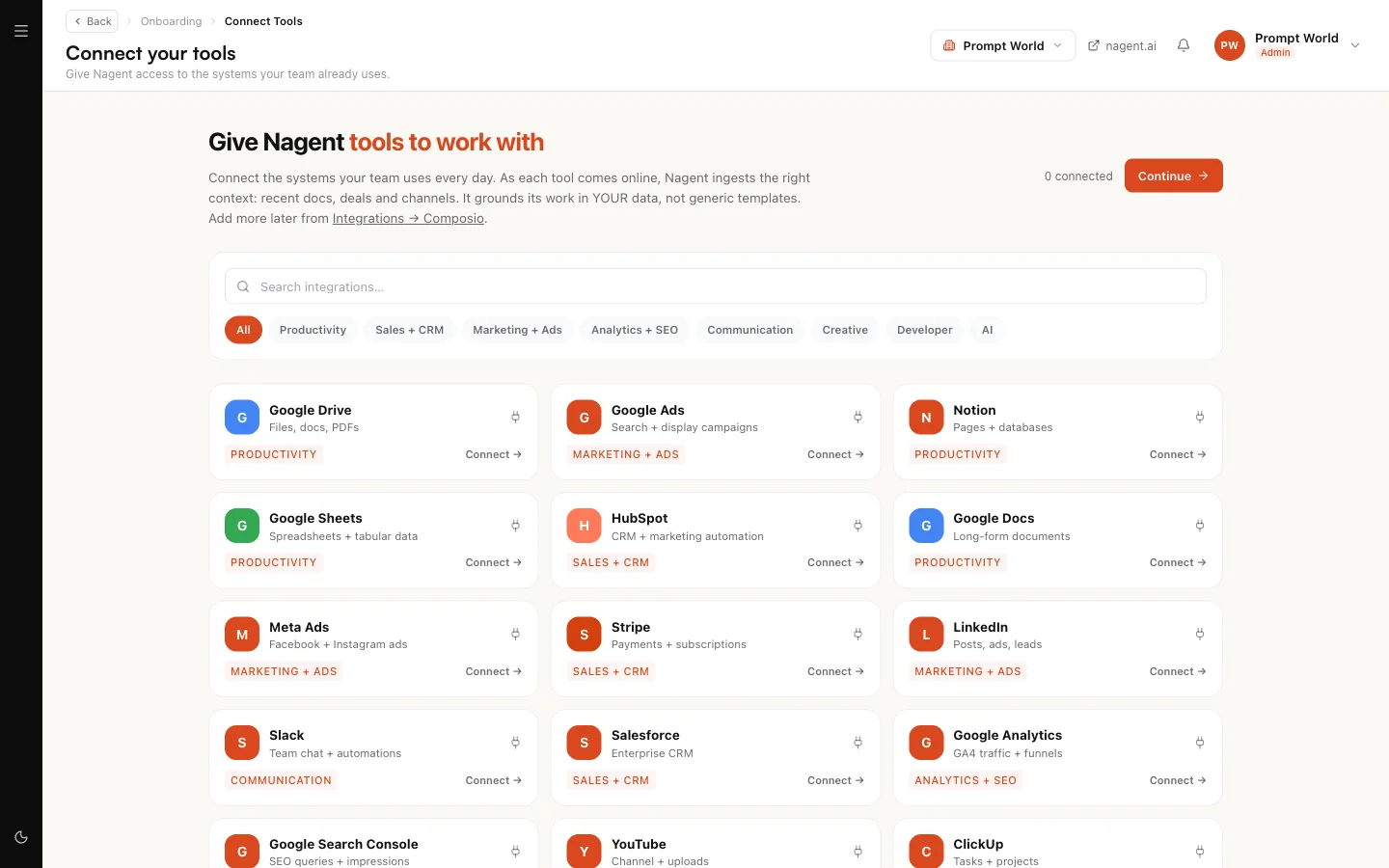
DRIS reads two Google tools through your connected tools:
- Google Search Console for clicks, impressions and the queries you rank for. It is read daily.
- Google Analytics 4 for traffic.
Connect both from Connect your tools. Settings in DRIS lists them under Connected sources. Keyword data is provided by Nagent and needs nothing from you.
The first day
Right after set-up, Today may say "Your visibility dashboard is being prepared". DRIS is running your baseline sweep and site audit, and the dashboard unlocks on its own, usually within a day. If a readiness check needs attention, the page links to the fix, such as reviewing your targets or your budget, and Nagent's team is notified.
If Today says Setup incomplete, some of DRIS's agents are not set up yet. Click Retry setup.
Step 1: declare an objective
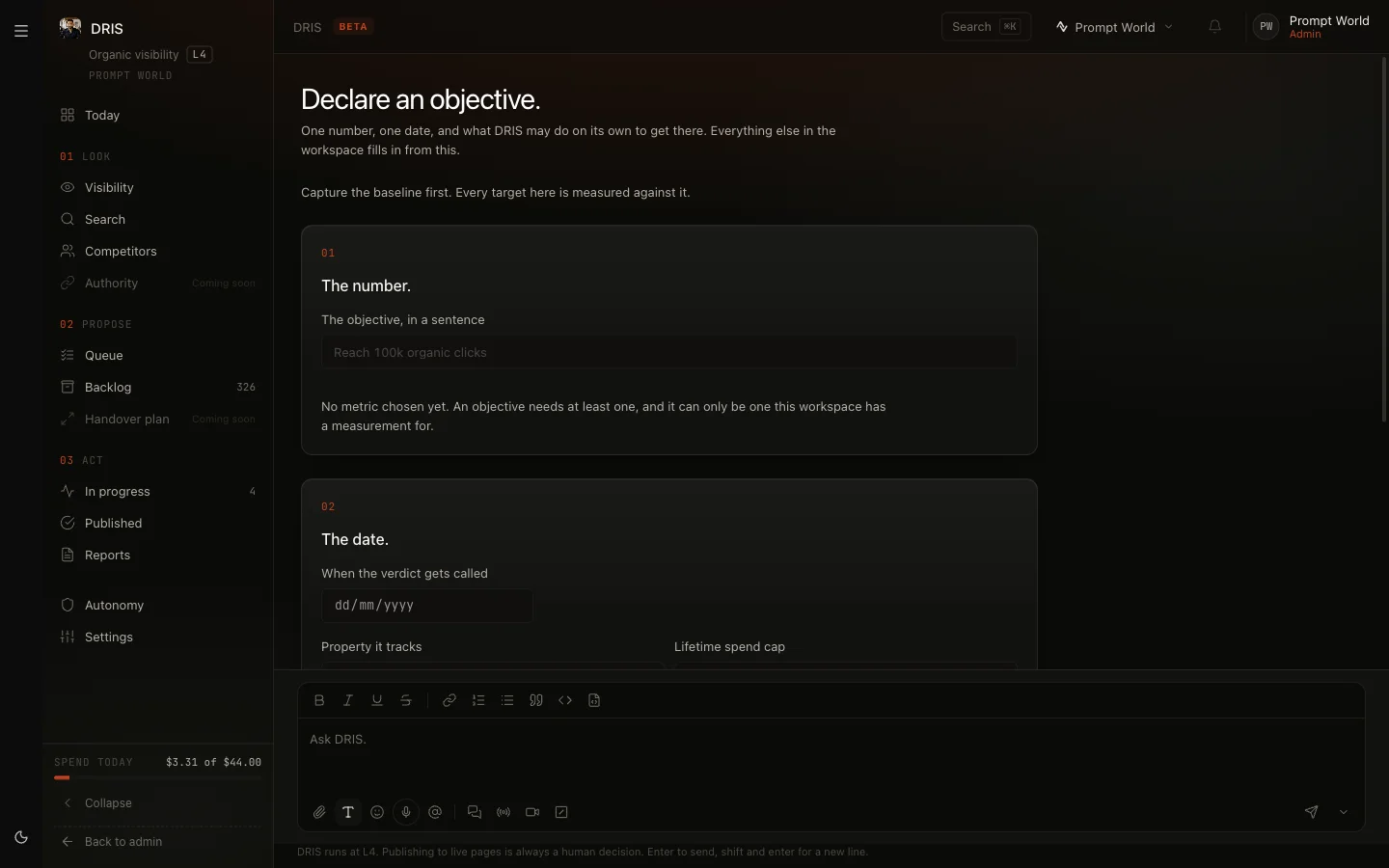
Until there is an objective, Today says: "Nothing can start until there is an objective." Click Declare an objective.
- Capture the baseline. DRIS records where you stand today. This happens once and cannot be replaced, so connect Search Console and let the site audit run first. If nothing is measured yet, the page offers Connect Search Console, Run the site audit and Review your prompts.
- The number. Pick what you are aiming to move: Organic clicks, Organic impressions, Mean page score or AI answer presence, and set a Target.
- The date. When the verdict is called, which property it tracks, and an optional Lifetime spend cap.
- Click Declare.
For Prompt World the objective might be AI answer presence from 8% to 25% by the end of the quarter, because buyers now ask assistants who runs prompt workshops.
Today then grades the objective every month: ahead, on target or behind.
Our logic: DRIS will find more problems than anyone could fix. The objective tells it which kind of fix matters to you, so search fixes or answer-engine fixes rise to the top of the queue accordingly.
Step 2: look
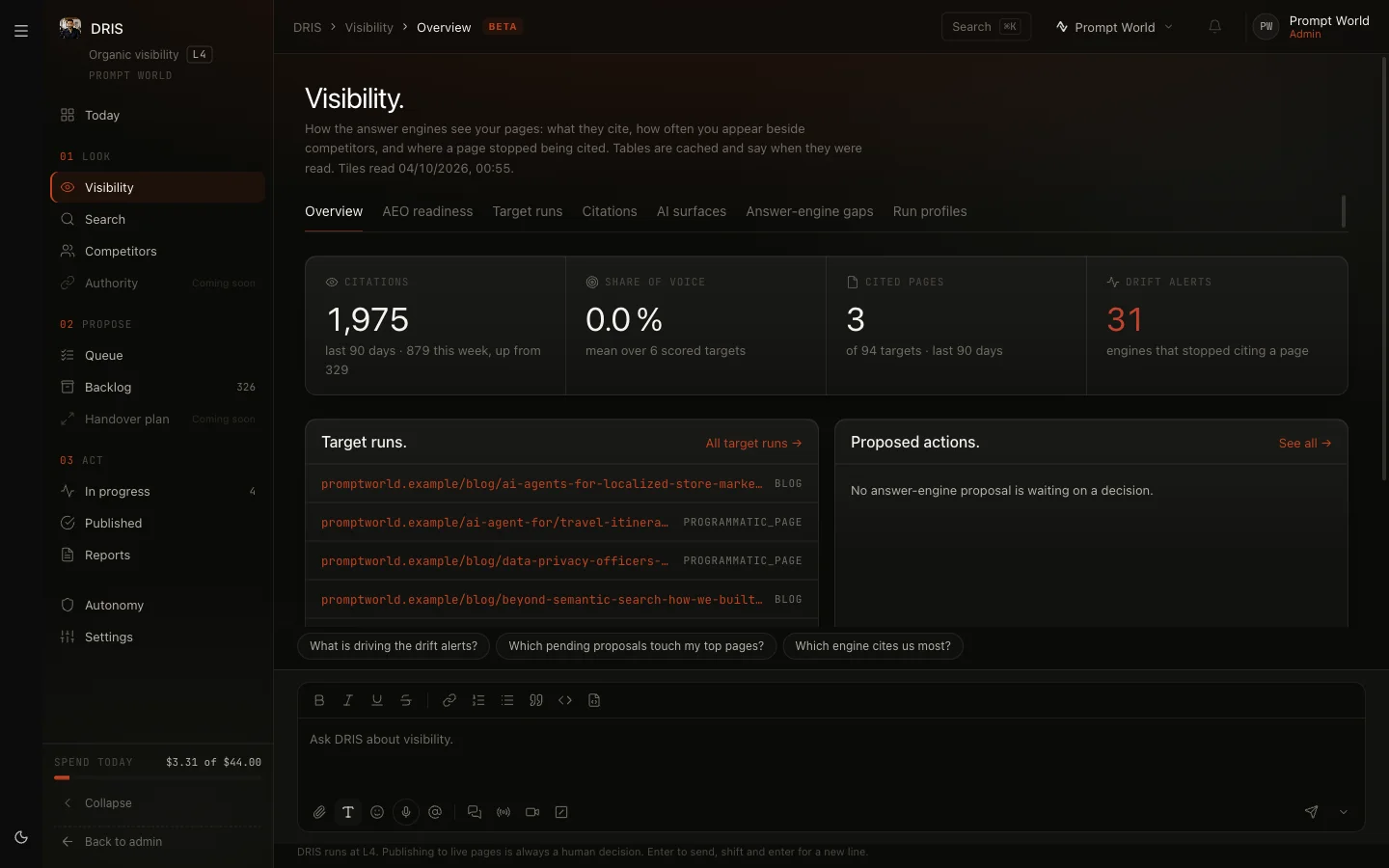
Visibility covers the answer engines: Citations (which sources the engines rely on), Answer-engine gaps (questions where competitors appear and you do not, with Track as keyword), AI surfaces (Google AI Overviews and AI Mode) and Run profiles. The default run profile is "The plain run your scores read, weekly on ChatGPT, Gemini and Perplexity and monthly on Claude".
Search covers classic search: the Site audit, Ranked keywords, Search Console, Traffic and AI crawlers. On Ranked keywords, Read now fetches fresh rankings: "This is a paid provider call, so it runs when you ask for it."
Competitors holds your competitor list and Competitive gaps. Add a competitor with Add to list and choose Track weekly.
Step 3: decide in the Queue
The Queue is "One ranked list of everything DRIS proposes. Approving never publishes; it clears the step to run."
Each row shows the problem, the page, the effort and impact, DRIS's Recommendation: and a Why block with its confidence. Rows are ranked by how much they contribute to your objective, how severe the problem is, how little effort it needs and how long it has waited. Click Approve or Reject, or select several and use the bar. A decision can be undone for a few seconds with Undo.
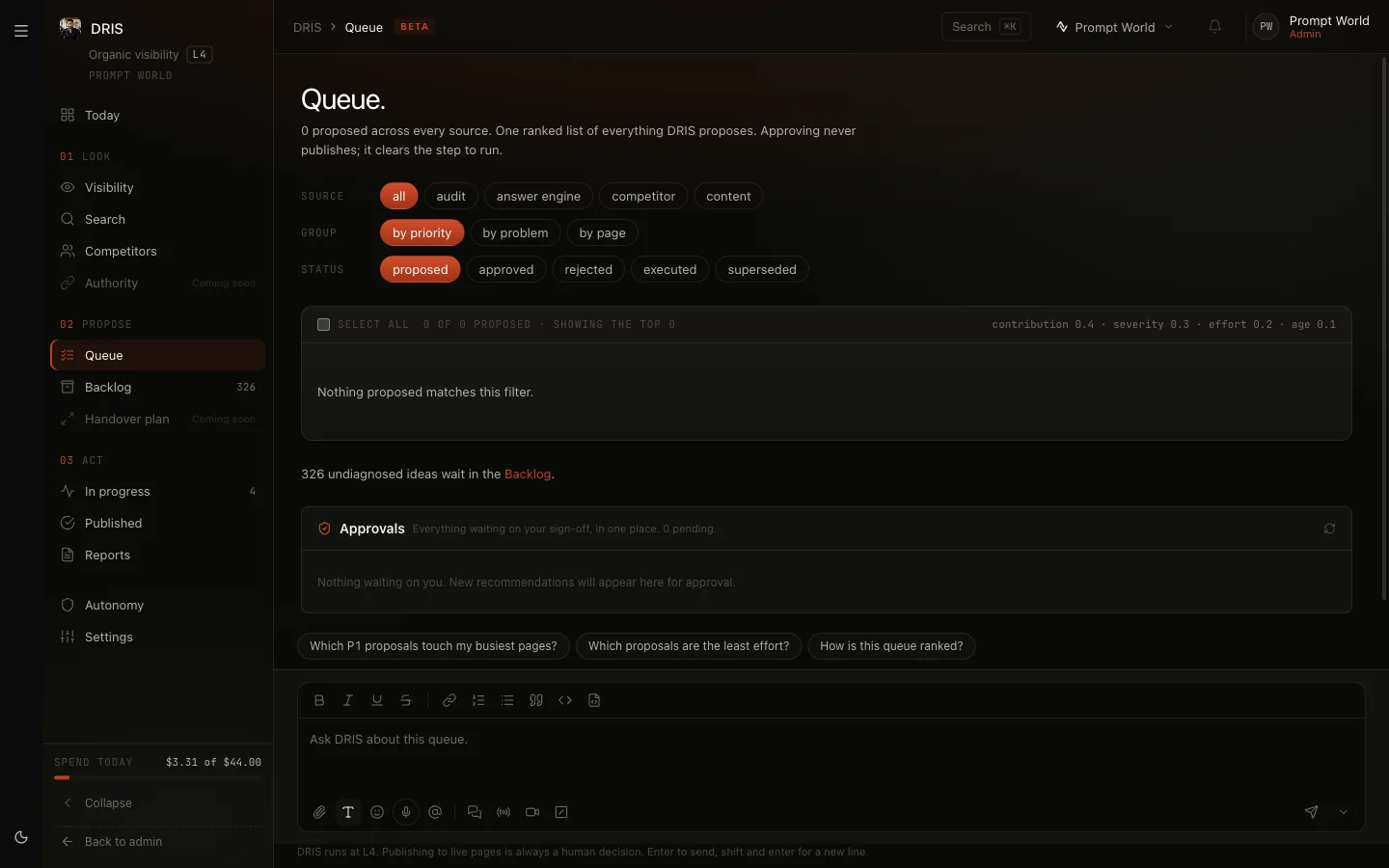
Proposals DRIS has not yet diagnosed wait in the Backlog, oldest first. They reach the Queue once DRIS has worked out why the problem matters. Today, answer-engine and content proposals stay in the Backlog; the Queue holds search fixes.
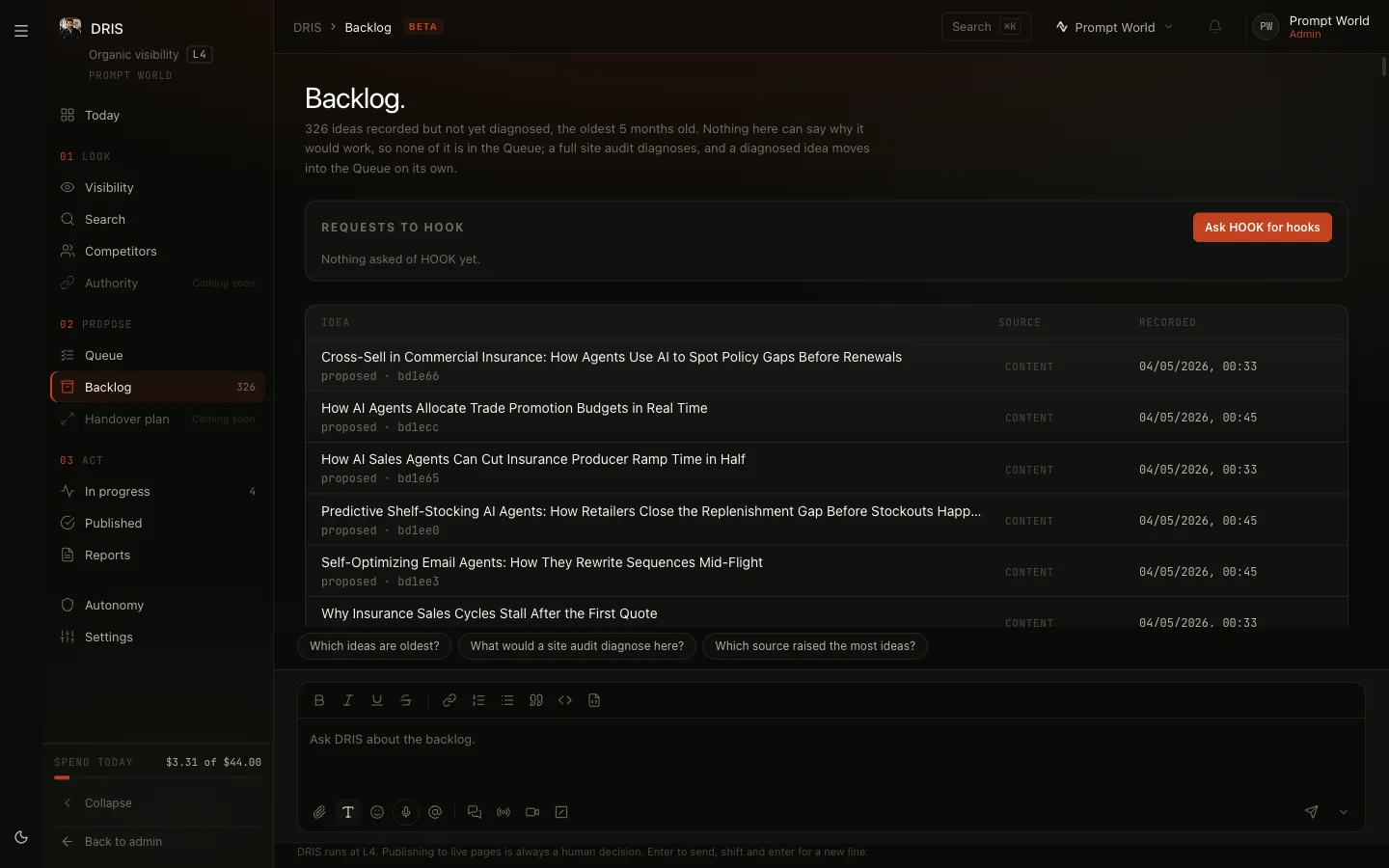
The Approvals panel under the Queue holds requests from DRIS's agents waiting on your sign-off.
Step 4: from approval to your site
What happens after you approve depends on the fix.
- Page titles, descriptions, headings and structured data. Open the proposal with Open in its queue and approve it there. If your website is connected (see Connect your site), the row reads Live on your site. Withdraw takes it off again. If DRIS cannot change the page, fix it in your own CMS and click Mark applied.
- New content. DRIS drafts a page change or hands the topic to your content team. "Drafts never publish on their own."
- Index and canonical rules. These are never automatic. They go to a separate approval decided by a senior role, not the person who asked.
In progress shows what is Running and what is Approved and waiting to run. Published shows each change as plan, draft and published.
Step 5: read the results
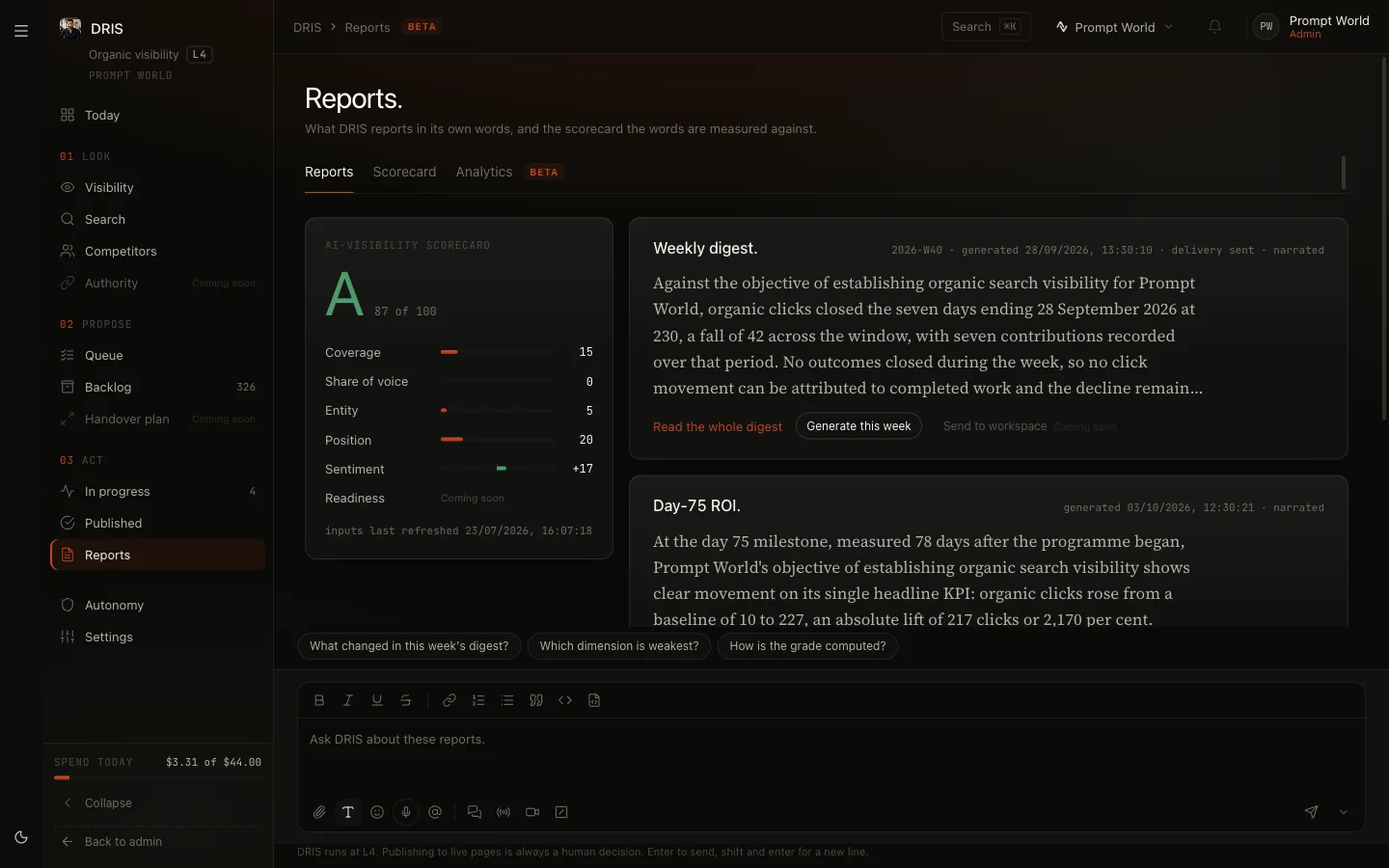
Reports holds the Weekly digest (Generate this week), a Day-75 ROI report and a Monthly report, each downloadable as a Word file. Scorecard gives the site audit as Word or PDF. Today's tiles show the last 28 days: AI answer presence, Citations gained, Organic clicks, Site audit total, Actions executed and Spend today.
Autonomy
Autonomy shows what DRIS may do on its own, per kind of action, and its track record. Twenty approvals with no reversals earn an upgrade request, which an admin can Grant or Decline. Some things are "Always a human · every level": publishing any change to a live page, changing index or canonical rules, changing how the queue is weighted, and spending above the daily cap.
What it costs
Spend today at the foot of the rail shows today's spend against DRIS's daily caps, turning amber at 80%. In Settings, Daily spend cap. sets the cap for answer-engine reads, between $1 and $1,000: "Answer-engine reads pause at this cap until you raise it here." Other caps are set by Nagent. Paid runs started by hand show an estimate first, for example "Estimated cost $X. Today's spend $Y of $Z."
How often the engines are asked depends on your plan: weekly on most plans, daily on Enterprise.
Limits today
- Authority, Handover plan, Technical SEO, Browser intelligence and sending reports to the workspace are Coming soon.
- Answer-engine and content proposals wait in the Backlog, not the Queue.
- Changes reach your site only through the site connection your developers wire in once. There is no direct WordPress or Shopify publishing.
Where to go next
- Connect your site: make approved fixes live.
- CREA and the content studio: where content gaps go.
- Echo: whether what answer engines say about you is right.