
Browse documentation
LIPI: CRM email writer
What LIPI writes, what it grounds every draft in, where its drafts appear, and who decides whether they are sent.
LIPI writes to people you have already spoken to
LIPI is the Sales team's CRM email writer, and is marked Beta. Its name is Sanskrit for script, or writing. It writes the personalised email a lead sees after they have enquired, replied or sat through a call with you.
LIPI has a sibling, VANI, who writes to strangers. The split is deliberate: VANI writes cold, from a research dossier; LIPI writes warm, from the CRM record and the conversation you have already had.
| Field | Detail |
|---|---|
| Team | Sales, Beta |
| Agent page | Agent workbench, LIPI |
| Can it send? | No. LIPI writes; sending is decided elsewhere |
Where LIPI's drafts appear
| Where | What LIPI writes | Who sends |
|---|---|---|
| A lead's page, Generate personalised draft | One email for that lead, from everything recorded about them | You, from the composer |
| Nurture sequence steps | The personalised version of each step | Decided by your Autopilot mode (below) |
| Sales follow-ups | Post-demo recaps, nudges on a stalled deal, breakup emails | Whoever runs the follow-up |
| New enquiry welcome | The short welcome the Speed Agent sends a new enquiry | The Speed Agent, where it runs for your workspace |
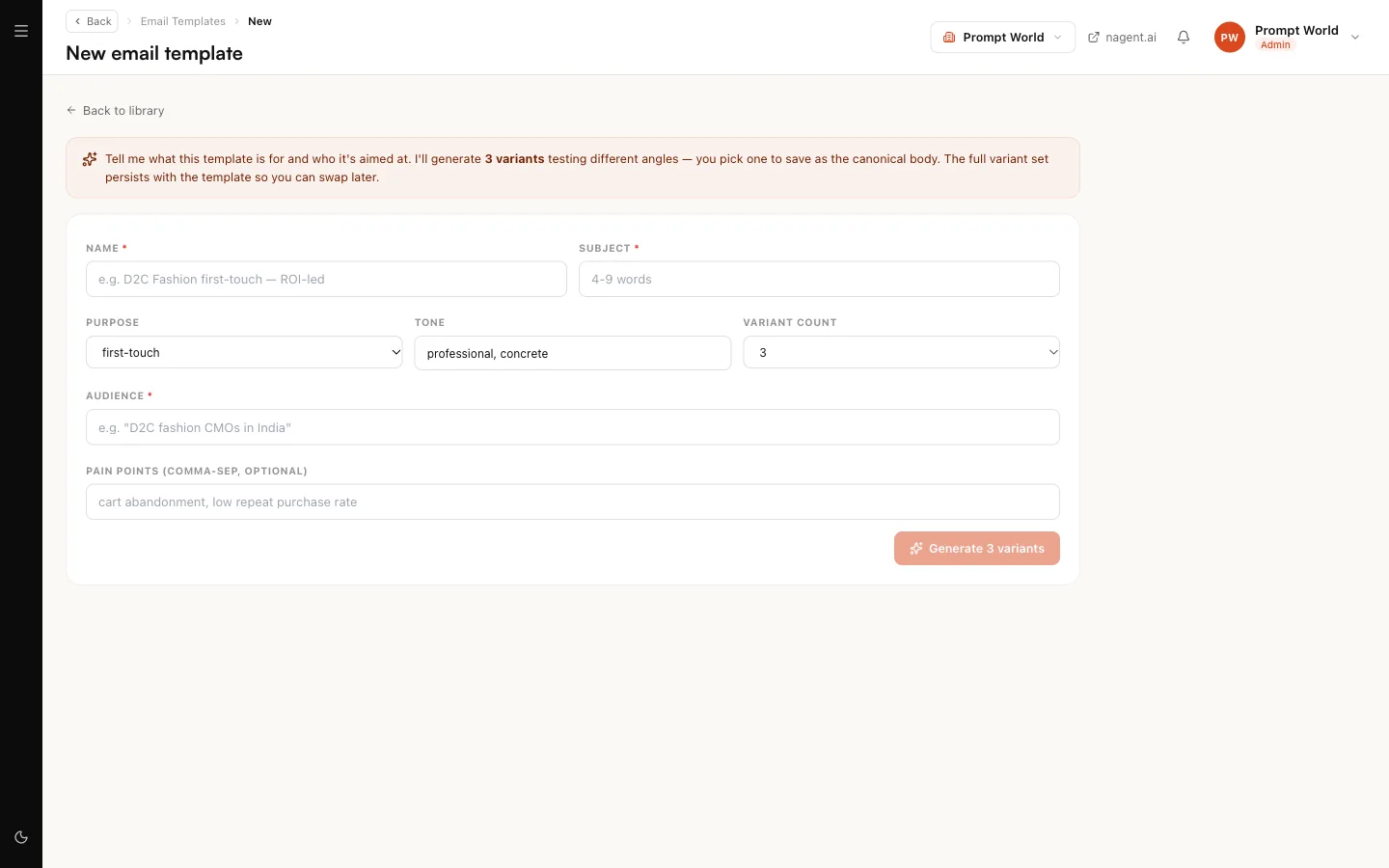
| Email template and sequence generators | Template and step copy | Nobody; these are templates |
What LIPI grounds a draft in
Every draft is assembled from your workspace, in this order:
- LIPI's own instructions, including any edit your workspace has made to them
- your Knowledge Hub: brand book, documents and assets
- your brand voice
- your Offerings: LIPI may name a product, feature or outcome only if it is on that list
- the sender: it signs off as the named person, or as "the Prompt World team" when there is no named sender
- the lead's own record and prior conversation
LIPI's craft rules are strict. It opens with the reader's situation, uses what they told you in their own words, writes three to five short paragraphs, closes on exactly one ask, uses British spelling, and lists every specific claim it made so a validator can check each against the lead's record. It never invents metrics, customer names or deal sizes.
When there is nothing to ground on
A workspace with no Offerings and an empty Knowledge Hub still gets a draft, written on the brand name alone, with no product, pricing, customer or outcome claim. The lead page tells you so above the draft:
Drafted on your brand name only. Add Offerings or knowledge and the next draft will use them.
with a link to the Knowledge Hub. Nothing is blocked; the label is there so you know why the draft is thin.
Drafting for one lead
- Open the lead from Leads.
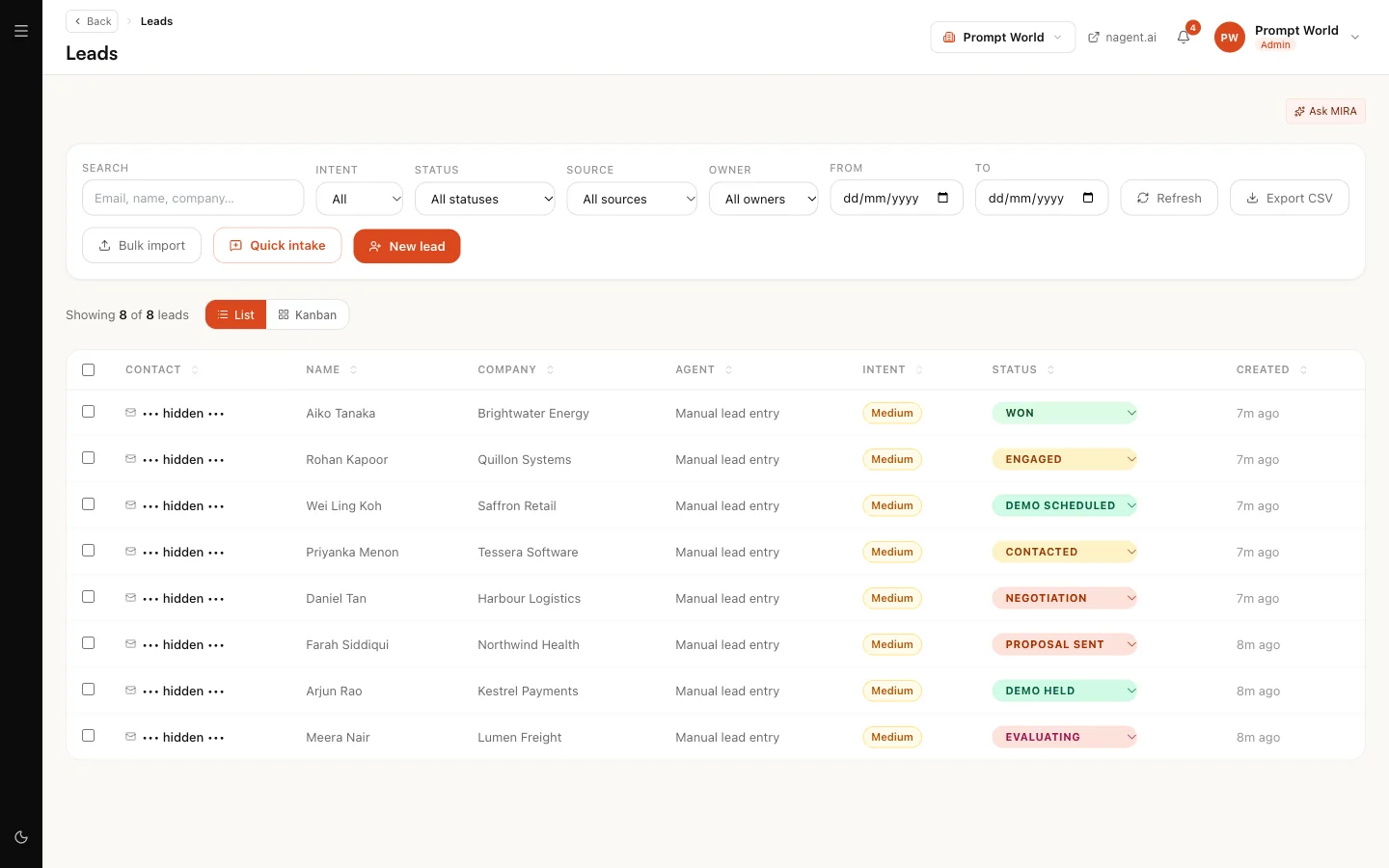
- In AI personalisation, optionally type an intent, for example "ask whether their sales enablement team has run a prompt workshop before".
- Click Generate personalised draft.
- Read the draft and its preview. Edit it in the composer.
- Send it yourself, or discard it.
Nothing is sent by LIPI on this path.
Sequences and the Autopilot mode
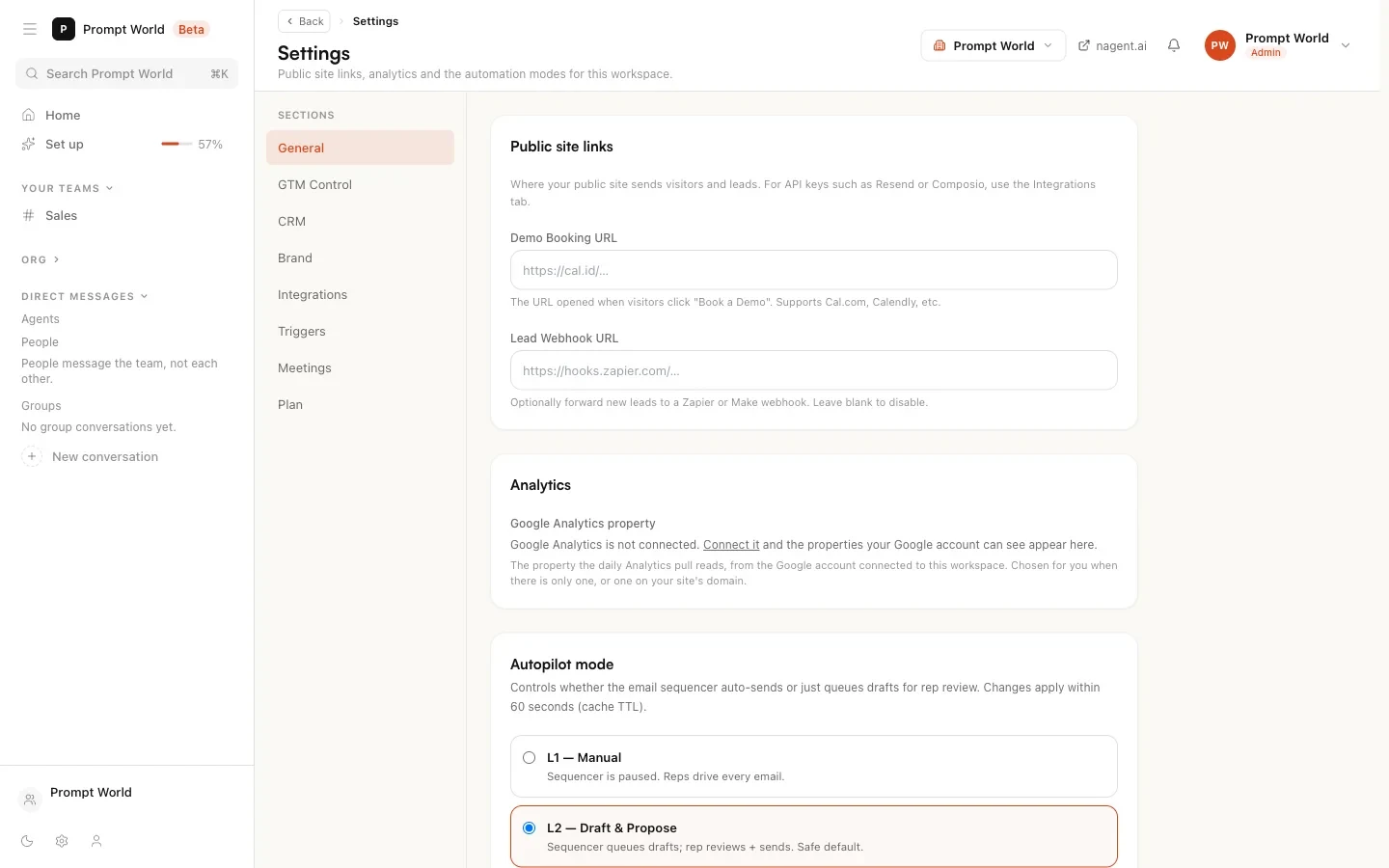
For nurture sequences, the decision to send sits with a workspace setting, Autopilot mode, on Settings:
| Mode | What happens to LIPI's step draft |
|---|---|
| L1 Manual | The sequencer is paused. Nothing is drafted or sent |
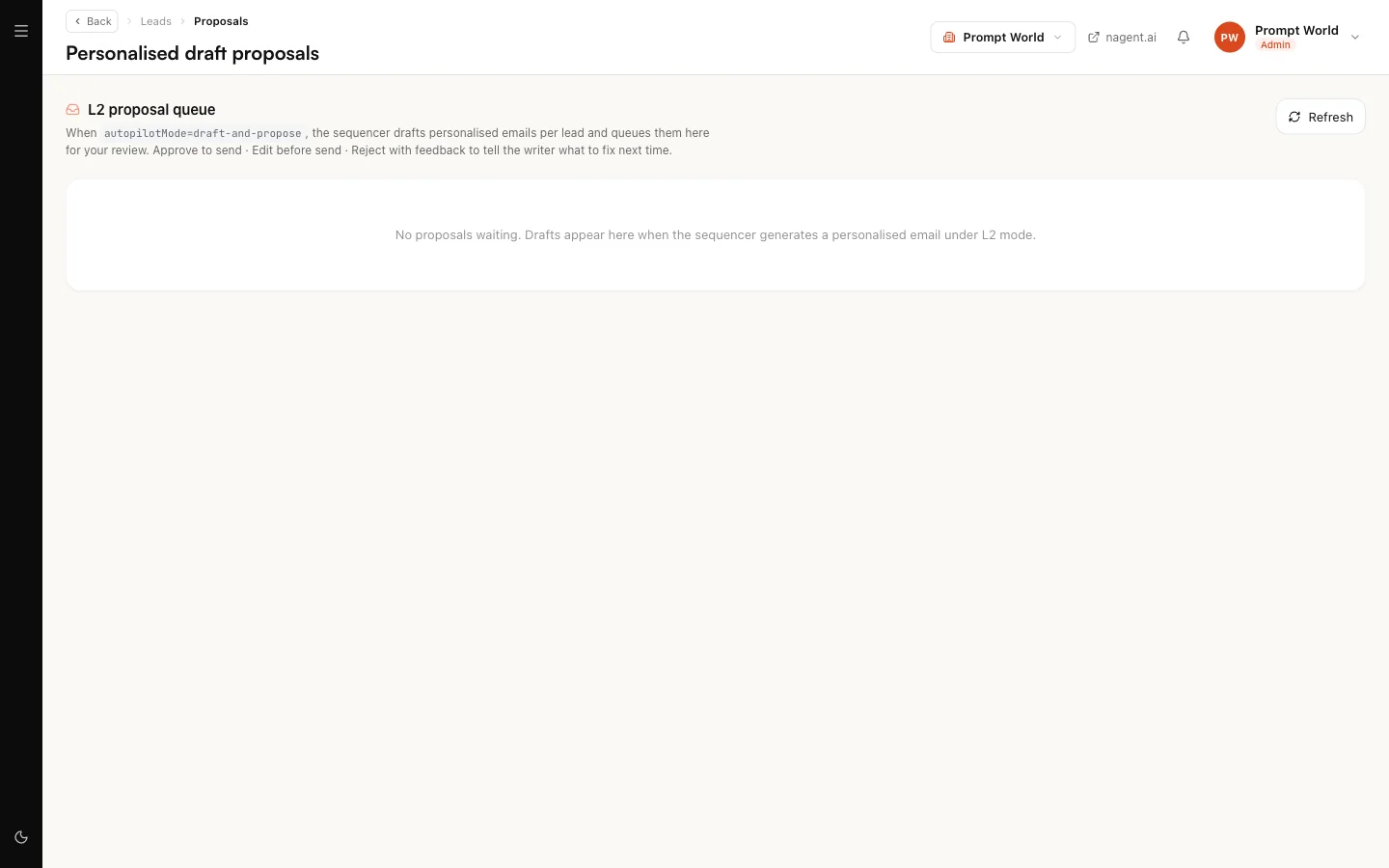
| L2 Draft and propose (the default) | The draft waits for a person on Personalised draft proposals: approve and send, edit, or reject with feedback |
| L3 Autonomous | The step is sent automatically and logged on the lead's timeline |
Feedback you give when rejecting a proposal is kept for the next draft. A lead who has unsubscribed or whose autopilot is paused is never sent to.
What asks for approval
LIPI declares no actions of its own, so there is nothing on its agent page to approve. Approval lives where the send is decided: your own hand on the lead page, the Autopilot mode for sequences, and the sending agent's own level for anything a teammate sends.
Briefing LIPI
You do not brief LIPI in the room. It is called by the screens above and by its teammates. To change how it writes, open its agent page and edit its instructions: the edit is kept as your workspace's own copy, and when Nagent publishes a newer version you are told and can review it before switching.
Our logic
An email to someone who already knows you can do more damage than a cold one, because it trades on a relationship. So LIPI writes only from what that relationship actually contains, signs as a real person or as your team, and never as Nagent.
Limits today
- Beta. Check drafts before they go out, particularly while your Knowledge Hub and Offerings are thin.
- No memory of its own. LIPI does not keep Smriti or learn through Karmic; what it knows about a lead is what the record holds.
- The lead page and proposals screen use the older admin layout, not the workspace rail.