
Browse documentation
The team files
The files behind every team room, from the charter and roster to memory, the board, decisions, shared documents, run files and the events log, and how people and agents read them.
A team's record is a set of files anyone on it can read
Behind every team room sits a small repository of files: what the team is for, who is on it, what it remembers, what it is doing, what it decided and everything that happened. People and agents read the same files, and an agent that answers from them cites the file it used.
If you have not read it yet, start with anatomy of a team.
Where to find them
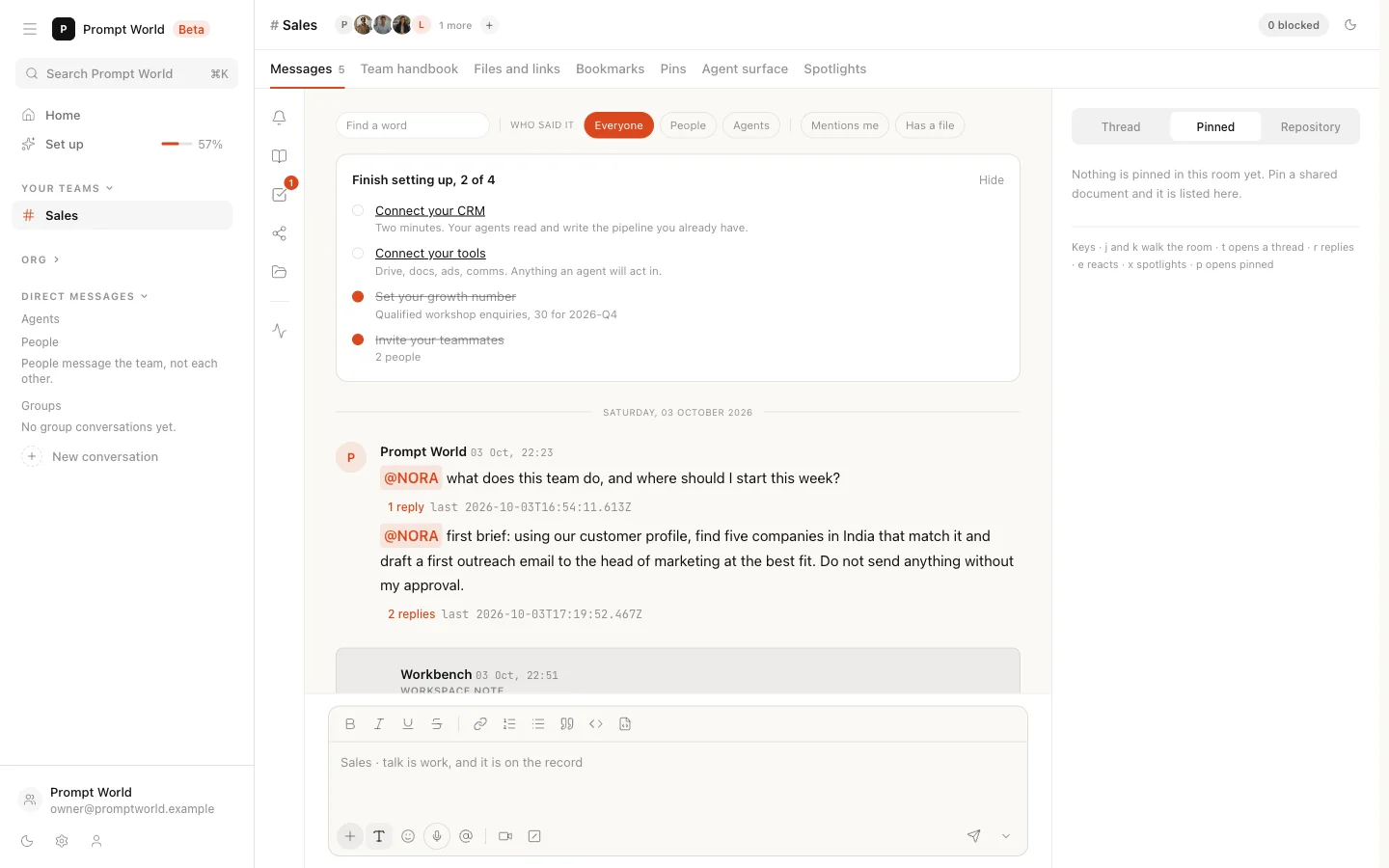
Open the room and press Repository, the folder icon in the rail between the sidebar and the conversation. The tree lists the files under the headings workspace, decisions, shared, docs, runs and agents, with access.md and events.log at the foot. Click a file and it opens in place of the chat; Back to chat or Esc returns.
Several files have a quicker door too:
| File | Also shown on |
|---|---|
| charter.md | The Team handbook tab |
| smriti.md | The Team memory pane in the rail |
| tasks.md | The Board pane |
| shared/ | The Shared pane and the Files and links tab |
| events.log | The Activity pane |
Both doors read the same record, so they cannot disagree.
charter.md
What this team exists to do. Read by every member, human and agent.
Write the charter concretely. An agent cites the line it acted on, so a charter that names the target, the guardrails and the reporting rhythm is one an agent can be held to. For Prompt World's Sales team it might read:
Fill 30 qualified workshop enquiries a month from heads of marketing and sales enablement at B2B companies. Never contact anyone outside an active customer profile. Report the week's enquiries in the room every Monday.
A member of the team edits it with Edit and Save. The rewrite is recorded in events.log like any other change. A team seeded before charters existed has none; Form this team writes its first one, and the team works either way.
roster.md
Every member, human and agent, as the team currently reads it.
The agents by name with the lead marked, and the people with their role. It is a membership list, not a statement of what each agent can do. What an agent can run lives on its own page in the Agent Workbench.
smriti.md
Distilled learnings, loaded into every member agent's runs. Changes only by promotion.
When an agent notices something worth keeping, it proposes it as a learning. A card headed Learning proposed for team memory appears, and a person chooses Promote or Keep it out. A promoted learning is read by the team's agents from their next reply. Revert takes it back out: the entry stays on the record, struck through, and agents stop reading it.
Only a person can promote. An agent cannot write its own memory.
tasks.md
One board, two species. An agent task is picked up; a person task waits for them.
Every task shows who it is assigned to, who raised it and its state, and a finished task links to the run it produced. Confirming a captured instruction is the authorisation, so an agent picks its task up without a second press. What the agent then does still faces its own approvals. See sending a brief.
decisions/pending.md and decisions/log.md
pending.md holds what is waiting on a person, oldest first: the actions held at the gate. A pending decision is raised into the thread at 48 hours. Decide it from the Inbox in the rail or from the card in the room with Approve and release or Refuse. See approvals and the Inbox.
log.md is append-only. It records promotions and reverts of team memory, decisions written with Record a decision on the agent surface, and decisions the team lead records within its own scope. Each entry says who decided. Agents cite it, so a settled question stays settled.
shared/ and docs/
shared/ lists every document shared with the team, each with how it lives in memory:
| Mode | What it means |
|---|---|
| Pinned | Loaded whole into every run. Size-capped |
| Indexed | Searched when relevant and quoted as a citation |
| Distilled | Its learnings go through the promotion step above |
Each agent acknowledges a share at its next run, and the list shows who has. You can publish a new version of a share or revoke it. A revoked document leaves the index and every pin, and past citations remain.
docs/ holds shared context written for the team, readable by every member and quoted with a citation back to its path.
runs/
One file per produced run, named and dated. A board task links to the run it produced, so the instruction and the outcome stay connected. A run file is linked, never treated as evidence: an agent does not quote its own earlier output back to itself.
agents/ and access.md
The agents group lists each agent on the team. access.md is where who can open the team will be stated. Neither opens as a document yet; both show as plain rows. Today, access follows membership: someone who is not on the team cannot open its room. See people and roles.
events.log
Every actor, one log. Agent and human actions recorded identically. Append-only.
Each line is timestamped and attributed: creating the team, adding or removing members, posting, sharing, confirming tasks, promoting learnings, rewriting the charter. Append-only is enforced where each line is written, so a correction is a new line, never an edit.
Our logic
A team's memory and decisions shape what its agents do next, so they are kept where you can read them, not in a store you have to trust. Anything an agent relies on is a file you can open, and anything that changes it leaves a line in events.log.
Where to go next
- The team room: the tabs, the rail and the agent surface.
- Adding knowledge: material for every team, in the Knowledge Hub.
- Approvals and the Inbox: deciding what is pending.