
Browse documentation
MIRA: the coordinator
The places MIRA appears across Nagent, what she leads in your workspace, what the Ask MIRA panel on Home can and cannot answer today, and how her spend is counted.
MIRA coordinates; she is not one of the specialists
MIRA is Nagent's coordinator. On the org chart every team lead reports to her, and in a Marketing workspace she leads the Marketing team. She is not a specialist herself: her job is to work out what you need, send it to the teammate who owns it, and keep the thread together.
You will meet her in more than one place, and she is not equally capable in each. This page says what each one is grounded on, so you know which questions to take where.
| Where | What MIRA does there | What she answers from |
|---|---|---|
| nagent.ai, before sign-up | Helps you work out which teams fit your goal | What Nagent publishes about itself |
| Home, the Ask MIRA panel | Answers questions about setting up your workspace | Set-up help notes, and which set-up questions you have answered |
| "Ask MIRA about this screen" | Explains the screen you are on | Help notes written for that screen |
| The Marketing team room | Leads the team: takes briefs and passes work on | Your workspace, like any team lead |
Before you sign up
On the nagent.ai home page, Talk to MIRA opens a conversation. Describe the goal, for example "we run prompt engineering workshops and want 30 qualified enquiries a month", and MIRA asks a question or two and suggests which teams fit. She may route you to a specialist on the site.
That conversation knows nothing about any workspace, because you do not have one yet. What you can install is what the sign-up screen offers: Sales, Marketing and Content. See Getting started.
On Home: the Ask MIRA panel
Home shows MIRA with three suggested questions for where you are. In the first hour they are:
- What should I set up first
- Which tools should I connect
- How do agent levels work
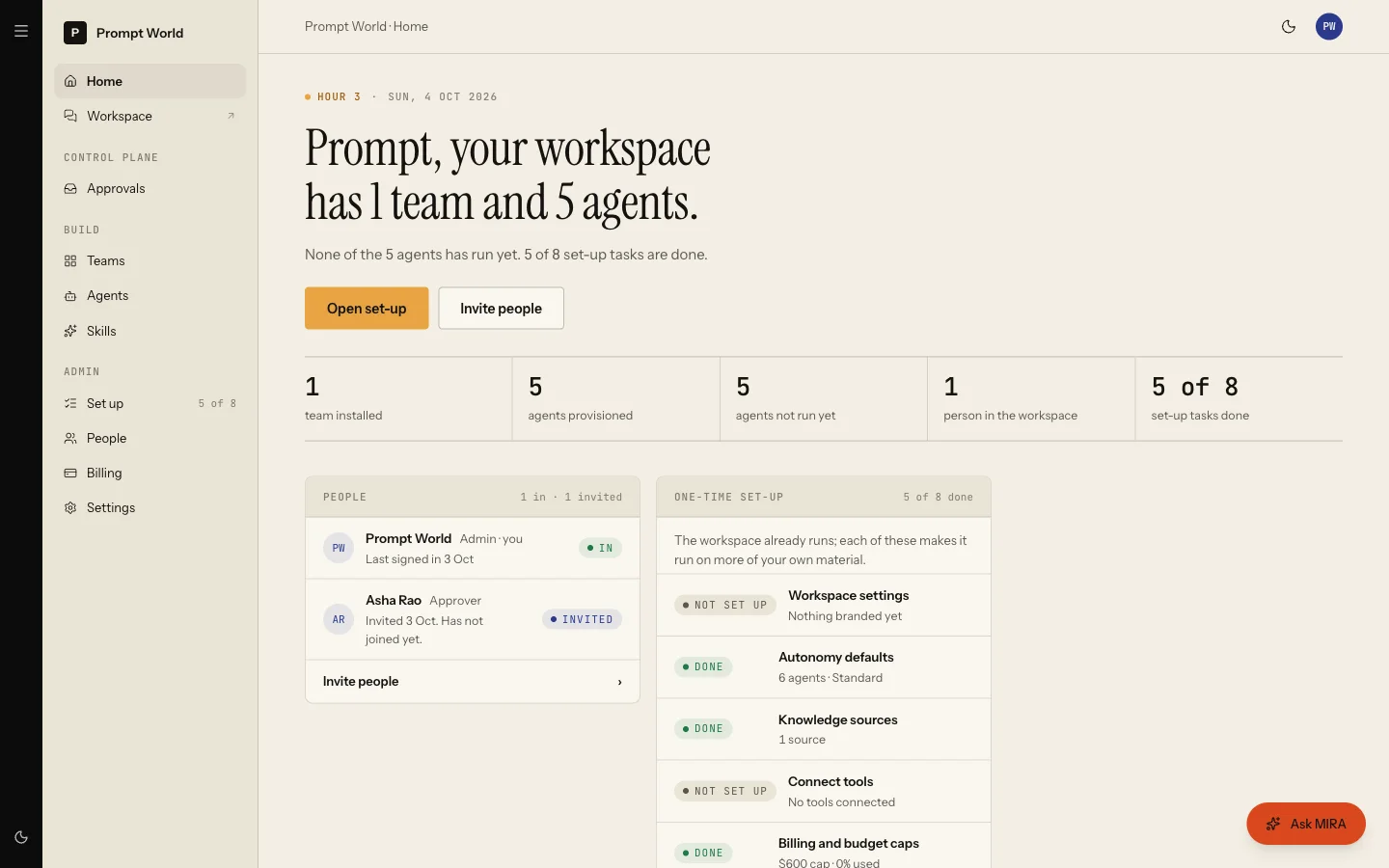
Choosing a question puts it in the ask box; nothing is sent until you send it. The same panel sits on Workspace set-up.
What the panel is grounded on today
The panel reads two things, and only two:
- The set-up help notes, written once for every workspace, that explain what each set-up card means.
- Which of your five set-up questions are answered, read fresh each time: what the workspace is called to a customer, who you sell to, which address your outbound mail comes from, how much agents should do without asking, and where external systems reach your agents.
So the panel is good at "what should I do next on set-up" and "what does this card mean". It does not read your teams, your agents' runs, your approvals or your spend. Questions such as "what ran in the last 12 hours", "what is waiting on me" or "what does each team do", which Home itself suggests at later stages and in the first-hour list, are beyond it today: it will answer in general terms, not from your records.
For those, go to the source:
- what ran and what waits for approval: Actions
- what each team does: the team's own room, and the pages under Prebuilt teams
- an agent's level and spend: the Agent workbench
The panel appears for people who can read workspace settings.
"Ask MIRA about this screen"
Some screens carry an Ask MIRA button that opens a drawer. Ask what a control does or where related data lives. MIRA answers from the help notes written for that screen. Where no notes exist she answers from what she knows about Nagent in general and says which parts she is unsure of. She will not invent a button or a path the notes do not name.
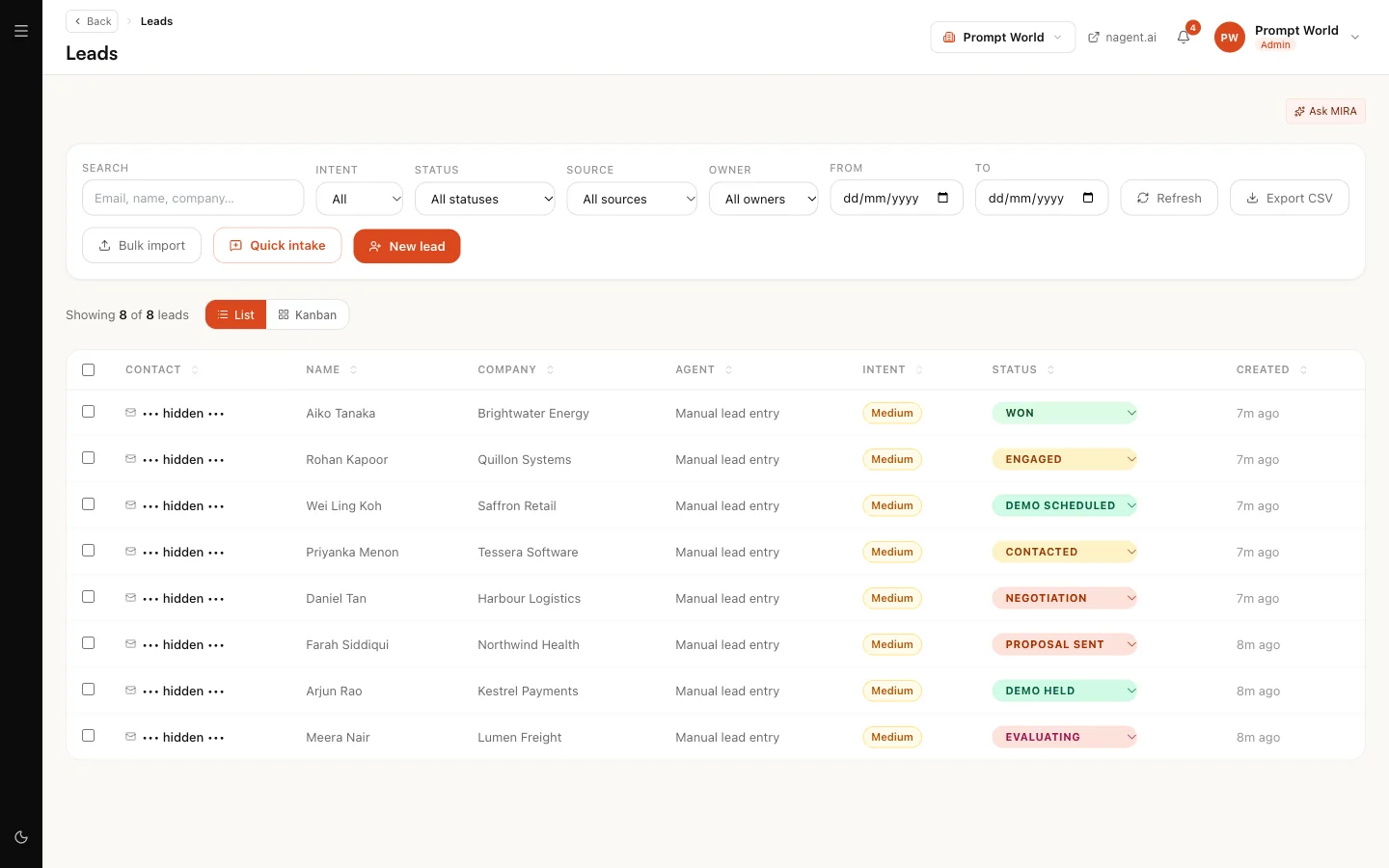
Where Nagent has switched it on for your workspace, the drawer can also open a video session so you can see and hear her. That is billed for as long as the session is open, so it is off unless you ask for it.
In the Marketing team room
When you choose Marketing at sign-up, MIRA leads that team. Brief her the way you brief any lead: address her in the room and describe the outcome. She plans it and passes the work to CREA, RUPA, DRIS or NIA. See the team room.
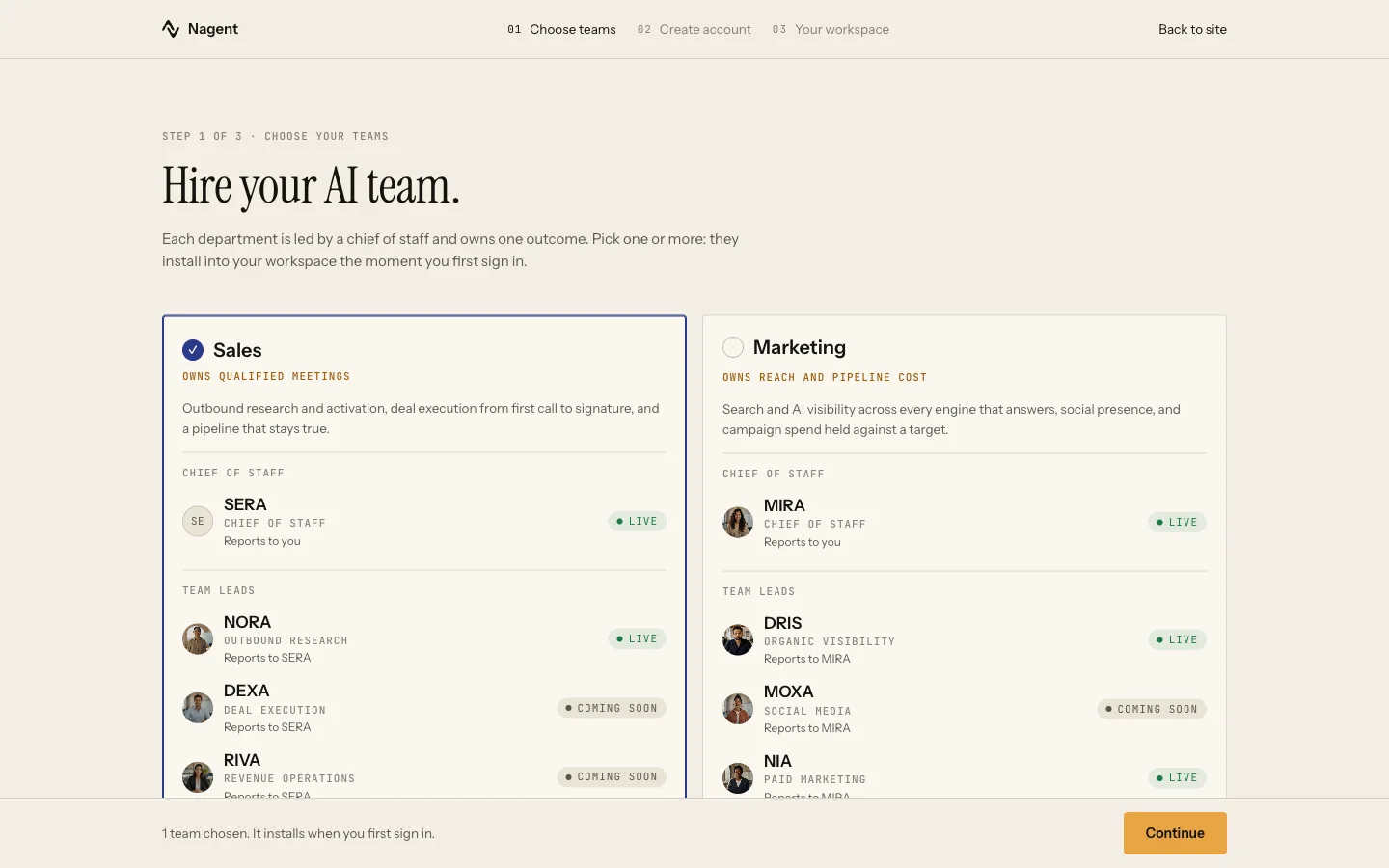
MIRA is not a member of the Sales team. In a Sales room, brief NORA.
What runs on its own and what asks first
The answers MIRA gives on Home and in the drawer are reads and change nothing. Her other actions belong to the platform's own control plane, which Nagent's staff use to run the service. They are not available in your workspace.
Her spend is counted
Every answer from the Home panel and the screen drawer is metered against MIRA's own budget before it is sent. If her cap is reached, the panel says so instead of answering. A call whose cost was not reported is flagged to us rather than counted as free.
Our logic
A coordinator that sounds sure about records it cannot see is worse than one that says "look here". MIRA is grounded on exactly what each surface hands her, and this page lists those sources so you can judge her answers.
Limits today
- Home's first-hour row "Ask MIRA what each team does and where to start" has no link, and the panel cannot answer it from your workspace.
- The panel does not keep history beyond the last few turns of the conversation you are in.
- The control plane and its MIRA chat are platform-only.