
Browse documentation
Workspace set-up
The seven set-up cards, how each one is computed from what the workspace actually has, and the five questions the workspace has not answered yet.
Set-up reports what works, not what you clicked through
Workspace set-up is the one place that says how complete your workspace is. It has seven cards and, below them, five questions.
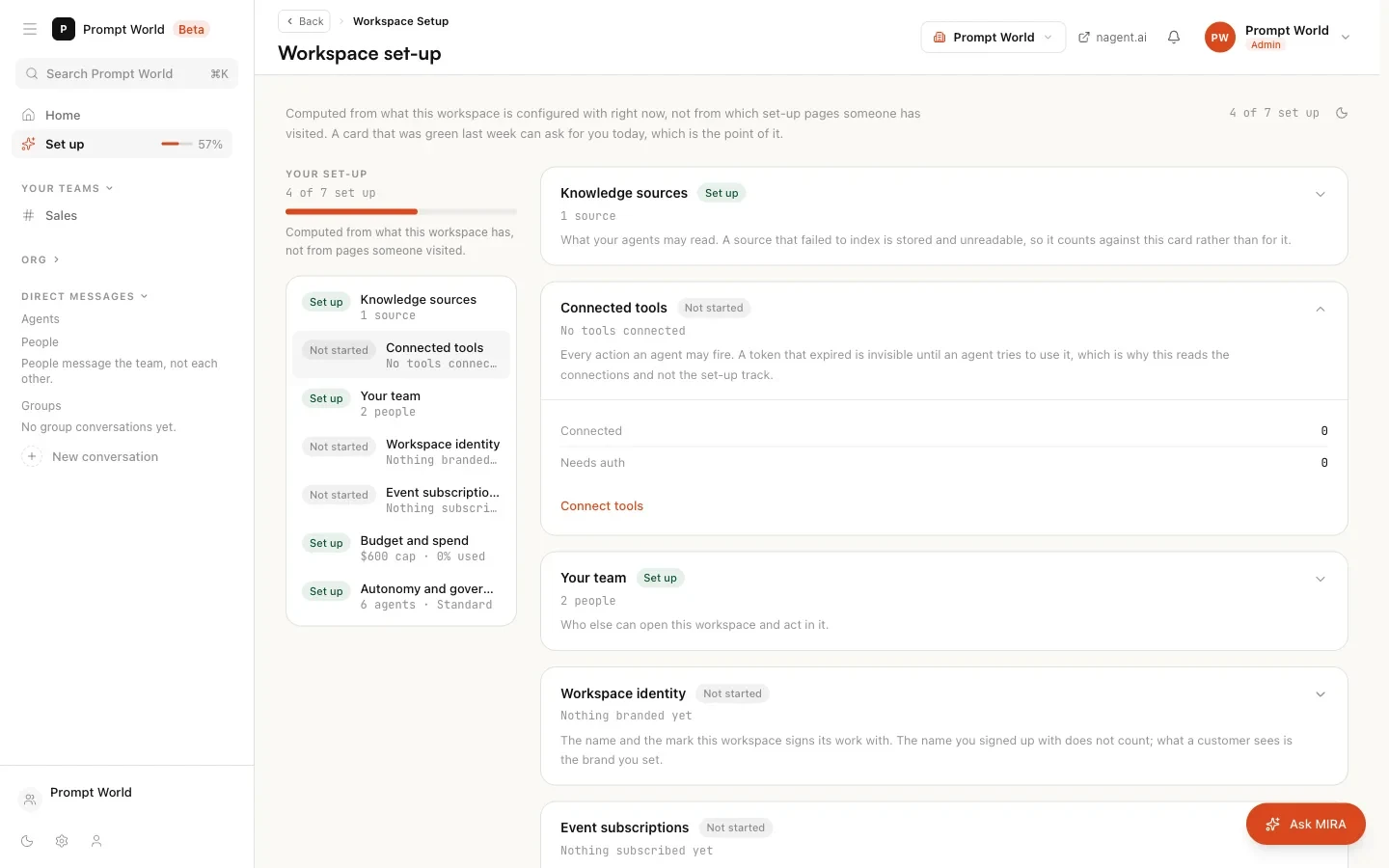
The page's own note explains the rule that governs all of it: each card is "computed from what this workspace is configured with right now, not from which set-up pages someone has visited. A card that was green last week can ask for you today, which is the point of it."
So a tool whose token expired turns its card back to Needs you, even though someone connected it last week. A setup wizard would still say done. This page will not.
Reading the page
The header shows a count such as "3 of 7 set up". The rail on the left lists the same seven cards so you can jump between them. Each card carries one of three states.
| State | Meaning |
|---|---|
| Set up | The thing exists and works |
| Needs you | It exists but something about it is broken or incomplete |
| Not started | Nothing is there yet |
Only Set up counts towards the total. A card that needs you is not counted as done, because it is set up and broken, and counting it would make the number flatter than the truth.
Each card shows a one-line reading, a few detail rows, and an action button that opens the page where the thing is actually set.
The seven cards
1. Knowledge sources
What your agents may read. The card counts documents and assets in the Knowledge Hub and how many failed to index.
- Not started: no sources yet.
- Needs you: at least one source failed to index. It is stored, but no agent can read it.
- Set up: sources exist and all indexed.
Action: Open the knowledge hub. See the Knowledge Hub.
2. Connected tools
Every action an agent may fire goes through a connected tool. The card reads the connections themselves: how many are connected and how many need re-authorising.
- Needs you appears when a token has expired or failed. An expired token is invisible until an agent tries to use it, which is why this card checks.
Action: Connect tools. See connecting tools.
3. Your team
Who else can open this workspace and act in it. It counts active people and open invitations.
- Not started: "Just you so far".
- Needs you: an invitation is still open.
- Set up: more than one person, no invitation outstanding.
Action: Manage people. See people and roles.
4. Workspace identity
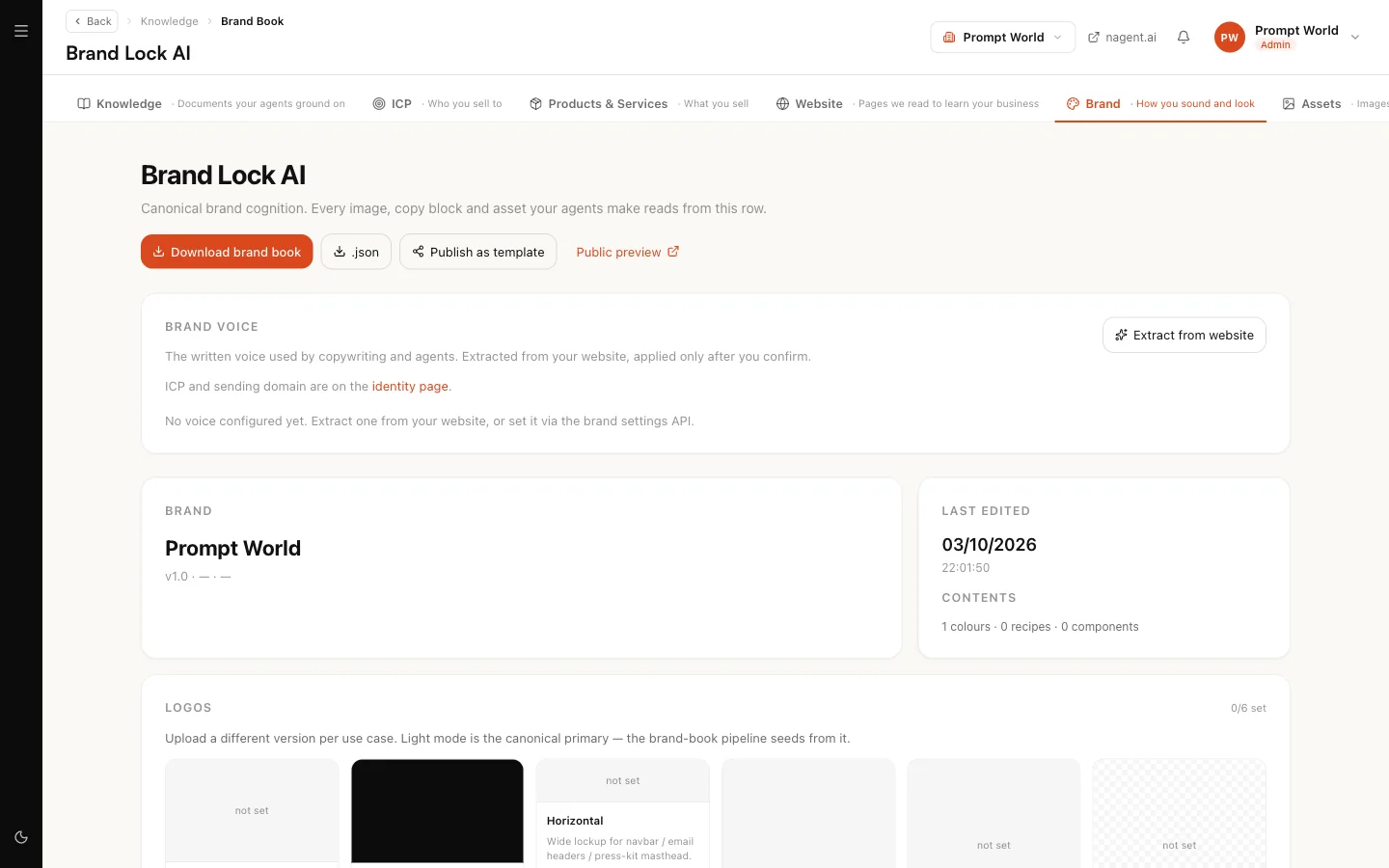
The name and mark your workspace signs its work with: display name, logo and brand colour. The company name you signed up with does not count, because nobody chose it as a brand. Saving your brand does.
- Needs you: a name is set but the mark or the colour is missing.
Action: Edit brand.
5. Event subscriptions
What starts an agent when something happens in a connected tool, for example a new row in your CRM. The card counts subscriptions, how many are switched on, and how many are failing.
- Needs you: a subscription is failing. The card's note says why that matters: "A failing subscription is worse than none: it is a silence somebody believes is a trigger."
A subscription that is merely switched off is reported, not counted against you.
6. Budget and spend
What the workspace can spend this month before its agents stop. The figure is the sum of the monthly caps actually enforced on each agent, not a plan allowance. The card also shows spend so far and the largest single agent's cap, which is how far one runaway agent could get on its own.
- Needs you: spend has reached 90 % of the caps. The card asks early on purpose, because raising a cap or finding what is spending only helps before the agents stop.
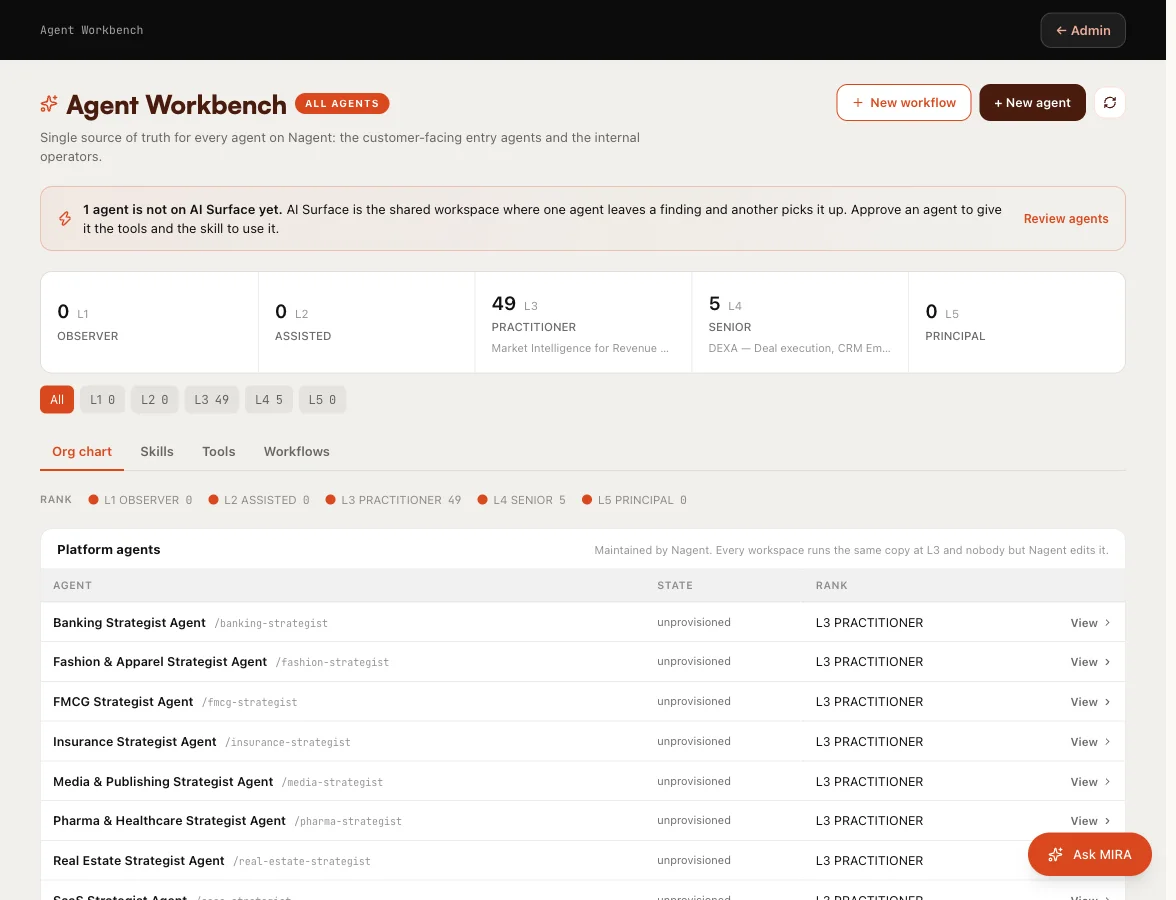
On a new workspace this card usually reads Set up, because every agent starts with the default cap of $5 a day and $100 a month. That is a default, not a decision. Review each agent's cap in the Agent Workbench on its Budget pane. See autonomy and governance.
7. Autonomy and governance
How much the roster may do without asking. The card counts governed agents, how many act unattended and how many ask first, and which governance profile the workspace uses.
- Needs you: agents are running and no governance profile has been chosen. Standard applies until you choose, but nobody has said so.
- Set up: a profile is chosen.
Agents at a high level are counted, never marked as a problem. In the card's words: "Ranks are counted, never scored: a rank you granted is a decision, not a defect."
Action: Open governance, where the Governance profile control sits at the top of the page. Choose Standard or BFSI there.
What this workspace still has not told us
Below the cards is a separate strip with five questions, counted separately ("2 of 5 answered"). The difference matters. A card asks whether something is connected and working. A question asks whether somebody has said what this business is. A workspace can honestly have seven green cards and five open questions.
| Question | Answered when | Where you answer it |
|---|---|---|
| What is this workspace called, to a customer? | A brand name is saved | Brand |
| Who are you selling to? | Your customer profile has a real description | Knowledge Hub |
| Which address does your outbound mail come from? | A sending address is set | Settings, Integrations |
| How much should agents do without asking? | A governance profile is chosen | Governance |
| Where should external systems reach your agents? | A webhook endpoint is registered | Settings, Triggers |
Each answer is written to the record it belongs to, so the strip can never disagree with what the product actually knows. The starter customer profile created with your workspace does not count as an answer until someone describes the customer in it.
For the customer profile, Prompt World would write something like: "Heads of marketing and sales enablement leads at B2B companies of 200 to 2,000 people in India and Southeast Asia, who need their teams trained in prompt engineering."
Asking MIRA about this screen
The Ask MIRA button opens a panel headed Ask MIRA about this screen. MIRA reads the same configuration this page does, so she can say which of the five questions are still open and what would answer one. Ask about a card, a question, or why something moved.
Two lines in the panel are marked Coming soon: Set up with MIRA, where she will ask the five questions herself, and Call MIRA, a voice and video call. Until they arrive, the ask box answers the same questions in writing.
Our logic
Set-up is a description of reality, so it never takes your word for it. It does not record that a step was visited, it reads whether the result exists. That is what lets you trust a green card, and what makes a card that turns amber worth your attention.
Where to go next
- Your first hour: Home's version of this ledger.
- Autonomy and governance: profiles, levels and caps.